ClimWeb Documentation
Creating Dashboard Gallery
This section will guide you create and manage dashboards in an Atlas.
Accessing Dashboards Gallery / Atlas
This is the page that lists all dashboard.

Log in to the Wagtail Admin.
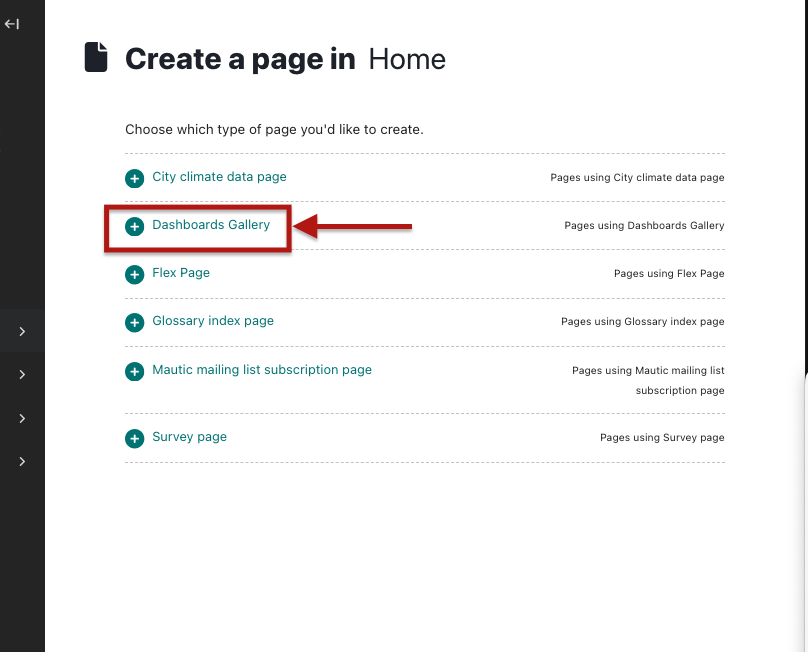
If this is the first time creating the dashboards you will be required to first create a parent Atlas/Dashboard Gallery page that houses all dashboards. Go to Pages -> Home and create it as a child page of the home page. This will require a title and description.


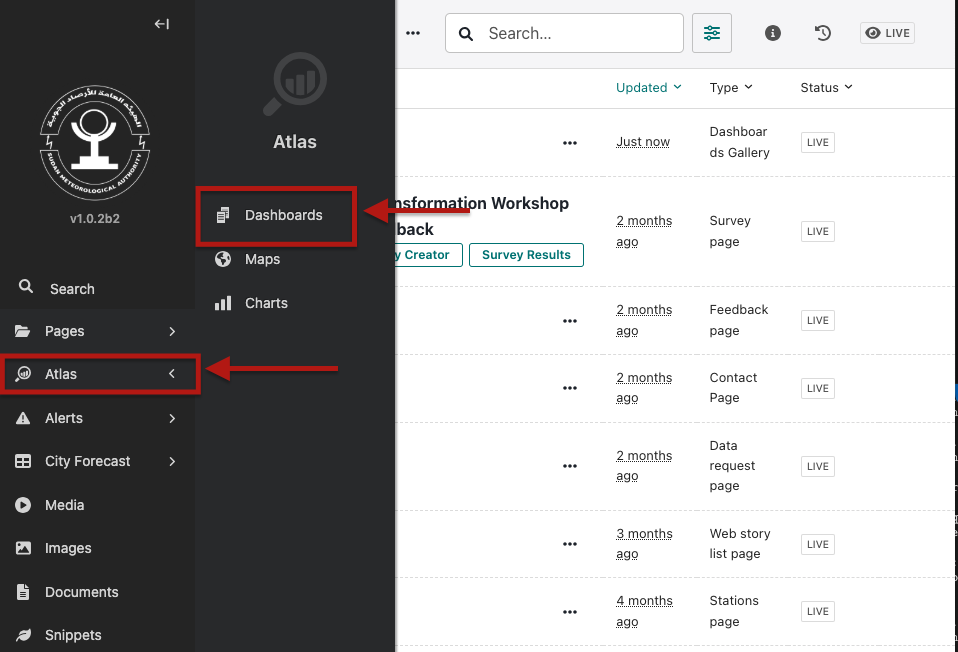
In the left menu, go to Atlas → Dashboards.
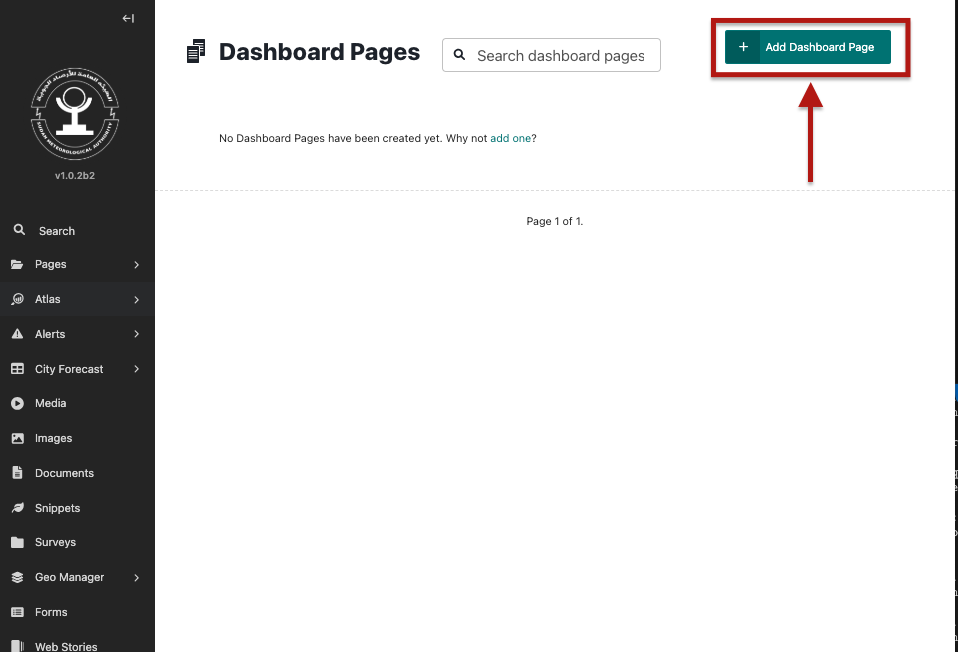
Select an existing dashboard or click Add Dashboard Page to create a new one.