 ClimWeb Documentation
Creating a Dashboard Page
When creating a new Dashboard Page:
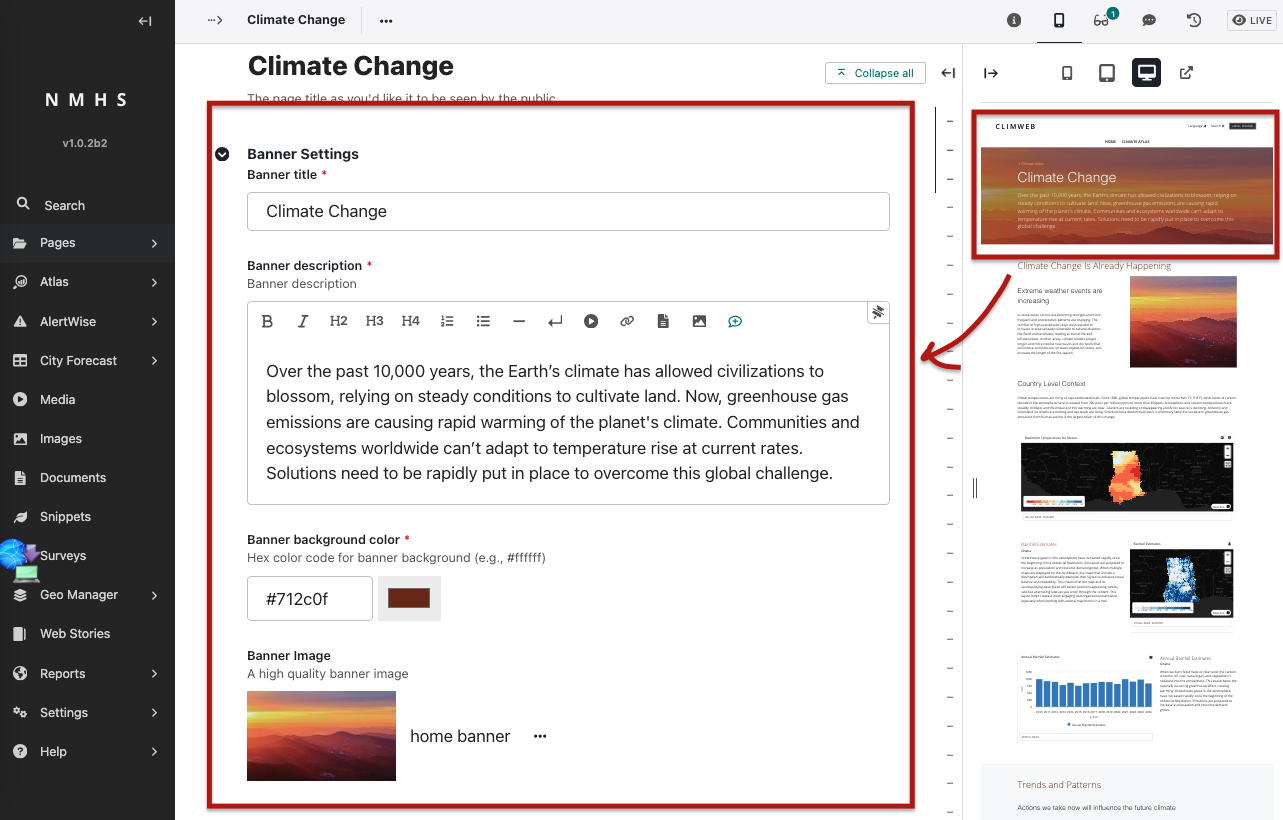
Enter a page title, banner title and optional banner description.
Choose a background color (theme for the atlas that will be used for section headings) and banner image if desired.
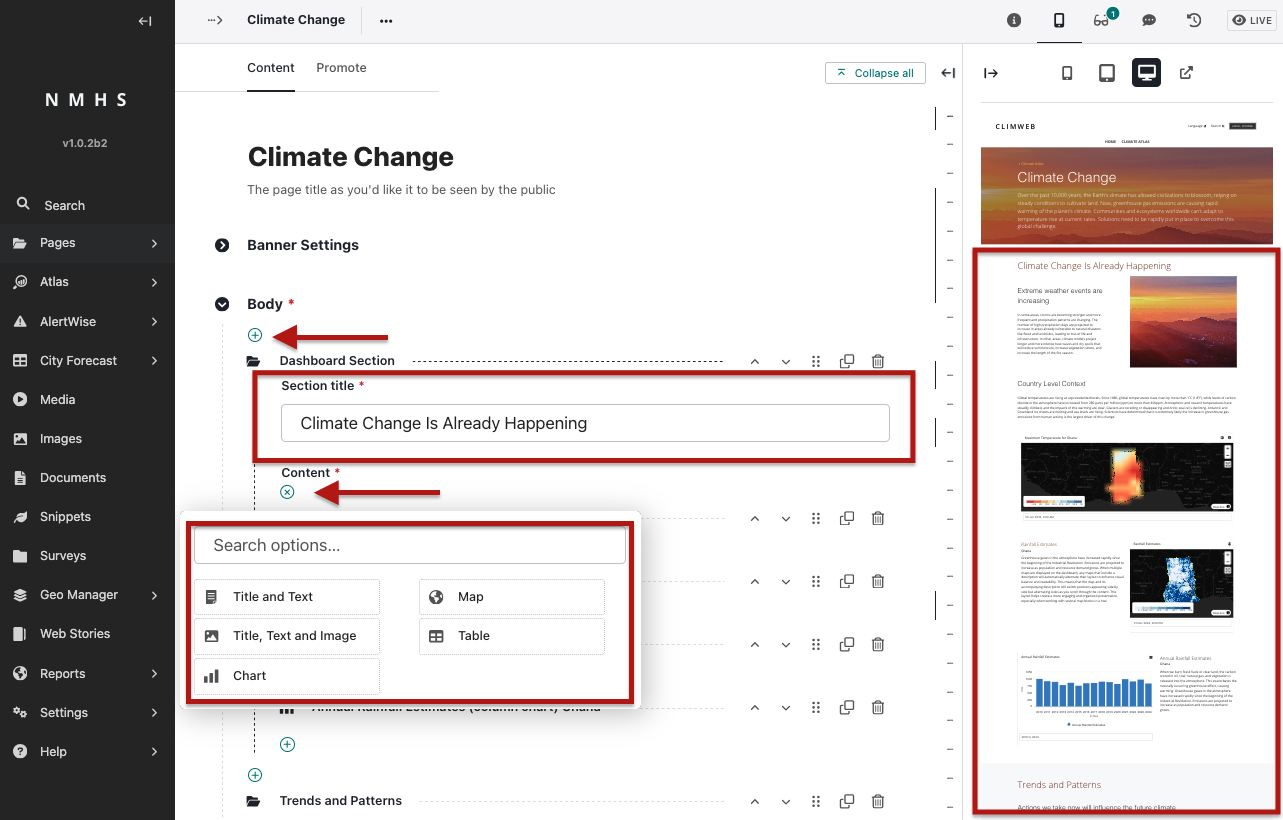
In the body, add sections containing content using reusable blocks (explained below). Each Section requires a section title and description. You can build dashboards using different block types:
Title & Text Block – Simple block for adding a section heading and supporting text.
Title, Text & Image Block – A heading, text, and image side by side.
Table Block – Add tabular data (rows and columns).
Map Block – Display an interactive map (from a Map Snippet).
Chart Block – Display a chart (from a Chart Snippet).
Once blocks are added, scroll to the bottom of the page. Click Save Draft to preview or Publish to make the dashboard live.