ClimWeb Documentation
Creating CAP Alerts
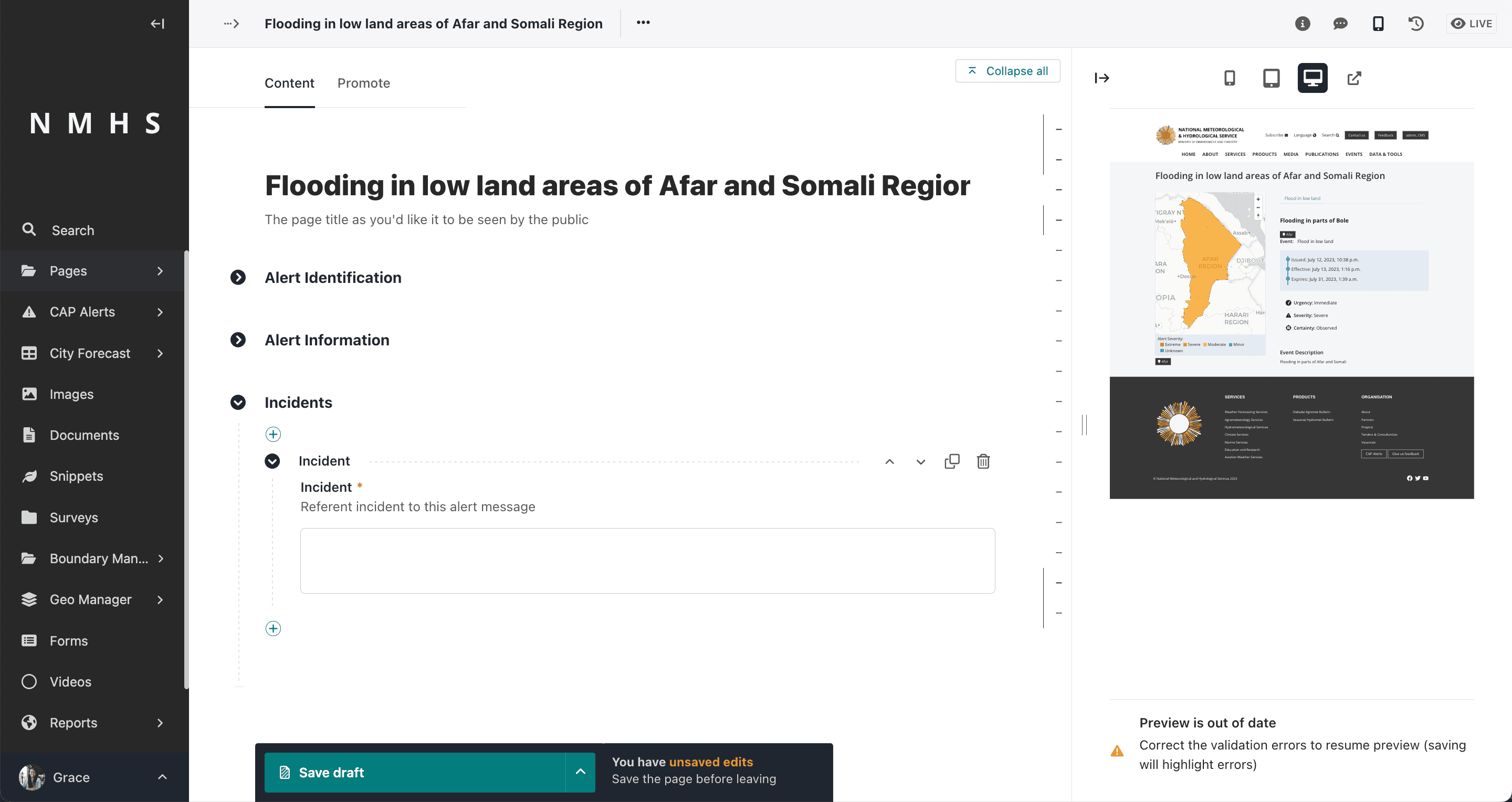
To create a CAP Alert access the CAP composing interface from the explorer menu as below and add a new cap alert page:

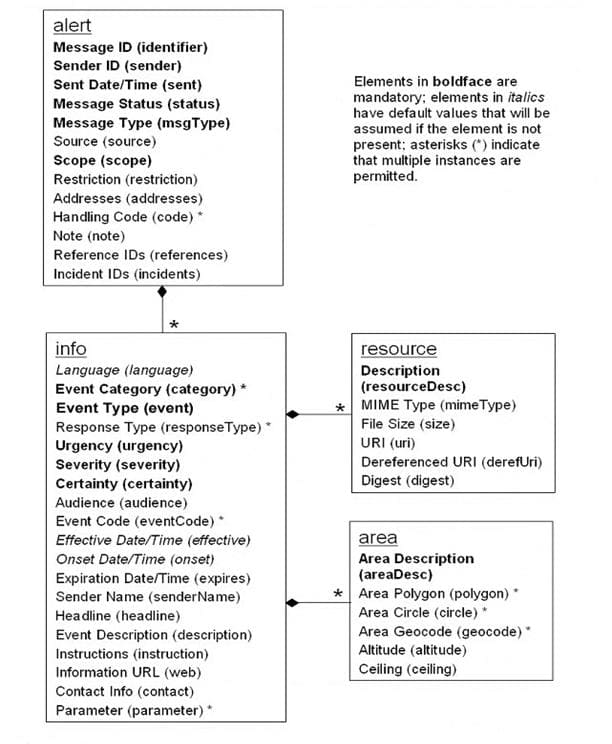
Sections in the Alert Page and corresponding XML
The overall Document Object Model of an alert is as below:
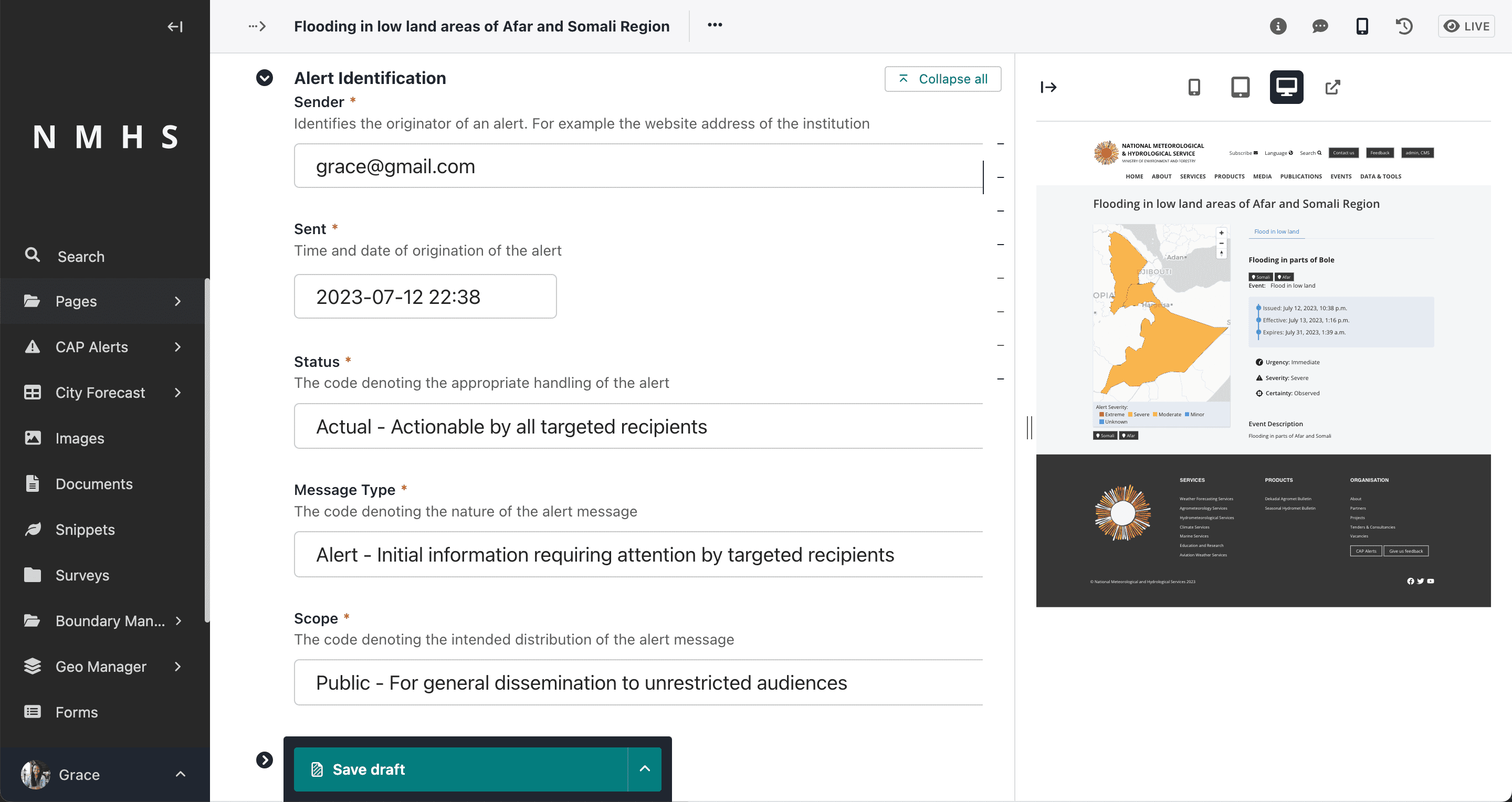
Alert Identification
It contains the following entities required for a valid CAP message:
Sender ID(sender),
Sent Dat/Time (sent),
Message Status (status),
Message Type (msgType),
Scope(scope),
Restriction (restriction),
Addresses (addresses),
Note (note),
Reference IDs (references) and
Incident ids (incidents).
The alert identifier is generated automatically and is not editable.
Note
Some fields are visible based on selection of different parameters.
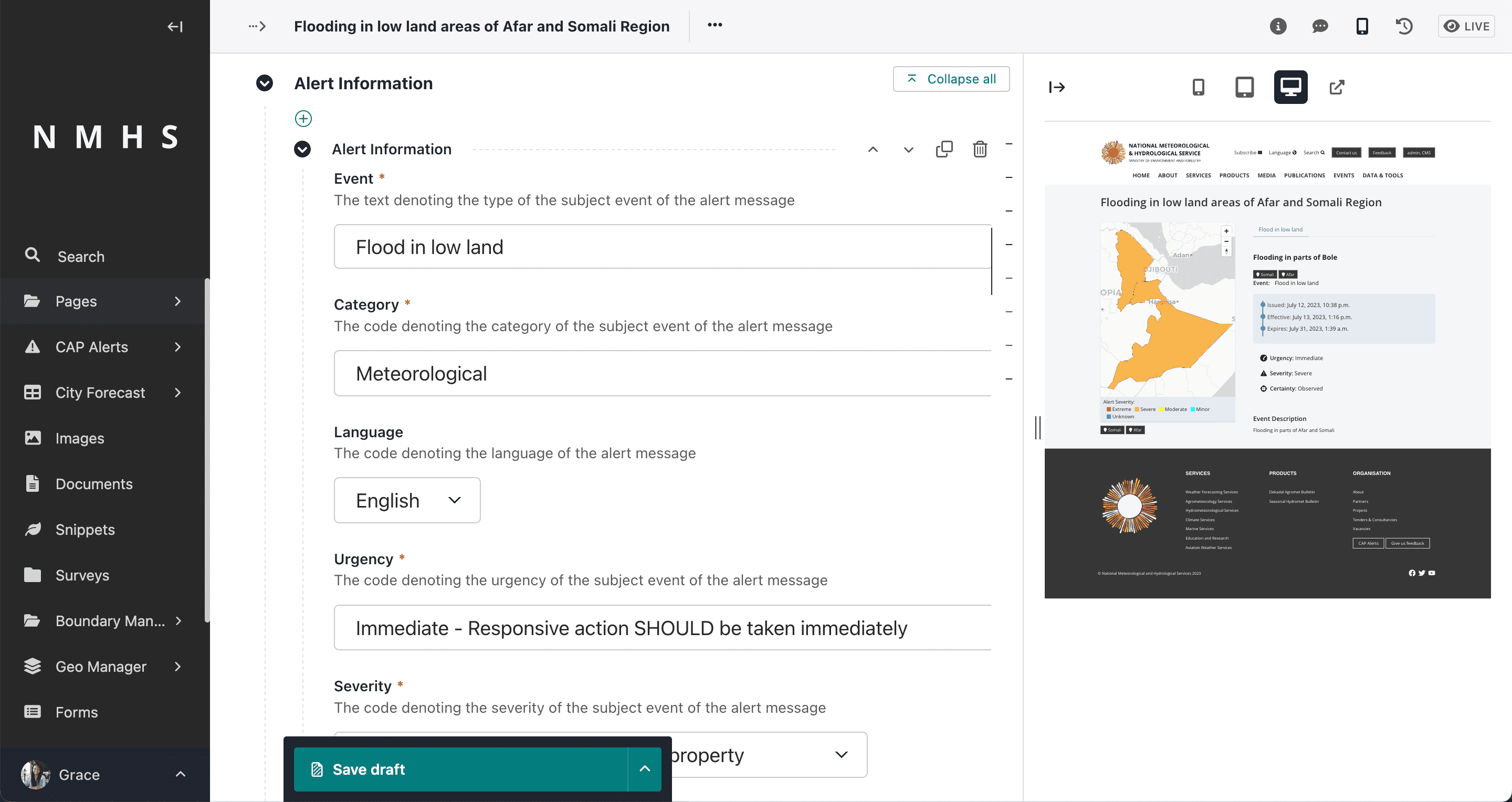
Alert Information
Corresponds to the <info> element in the CAP message. The
A CAP message expects at least one <info> element to be present. Multiple <info> blocks should all have the
same <category> and <event> element values.
Each Information block contains the following elements:
Langauge (langauge
Event Category/Categories (category)
Event Type (event)
Response Type/Types (responseType)
Urgency (urgency)
Severity (severity)
Certainty (certainty)
Audience (audience)
Event Code/Codes (eventCode)
Effective Date/Time (effective)
Onset Date/Time (onset)
Expiration Date/Time (expires)
Sender Name (senderName)
Headline(headline)
Event description (description)
Instructions (instruction)
Information URL (web),
Contact Info (contact) and
Parameter/Parameters(parameter)
Alert Area
Information Entity that defines the geographic area to be notified. Multiple areas can be defined in the alert. Each area contains the following elements:
Area Description (areaDesc),
Area Polygon/Polygons (polygon),
Area Circle/Circles (circle),
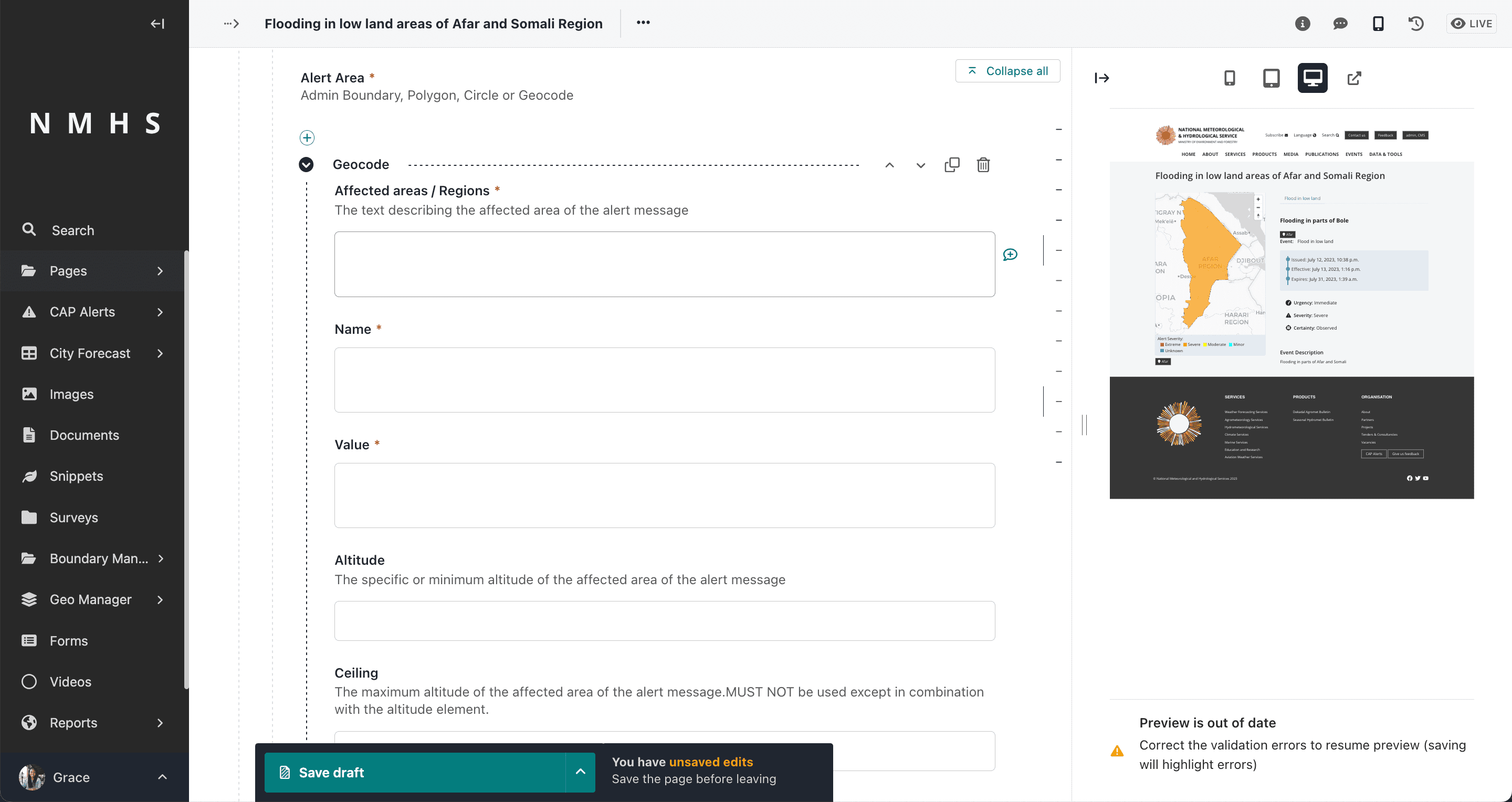
Area Geocode/Geocodes (geocode),
Altitude (altitude),
Ceiling (ceiling)
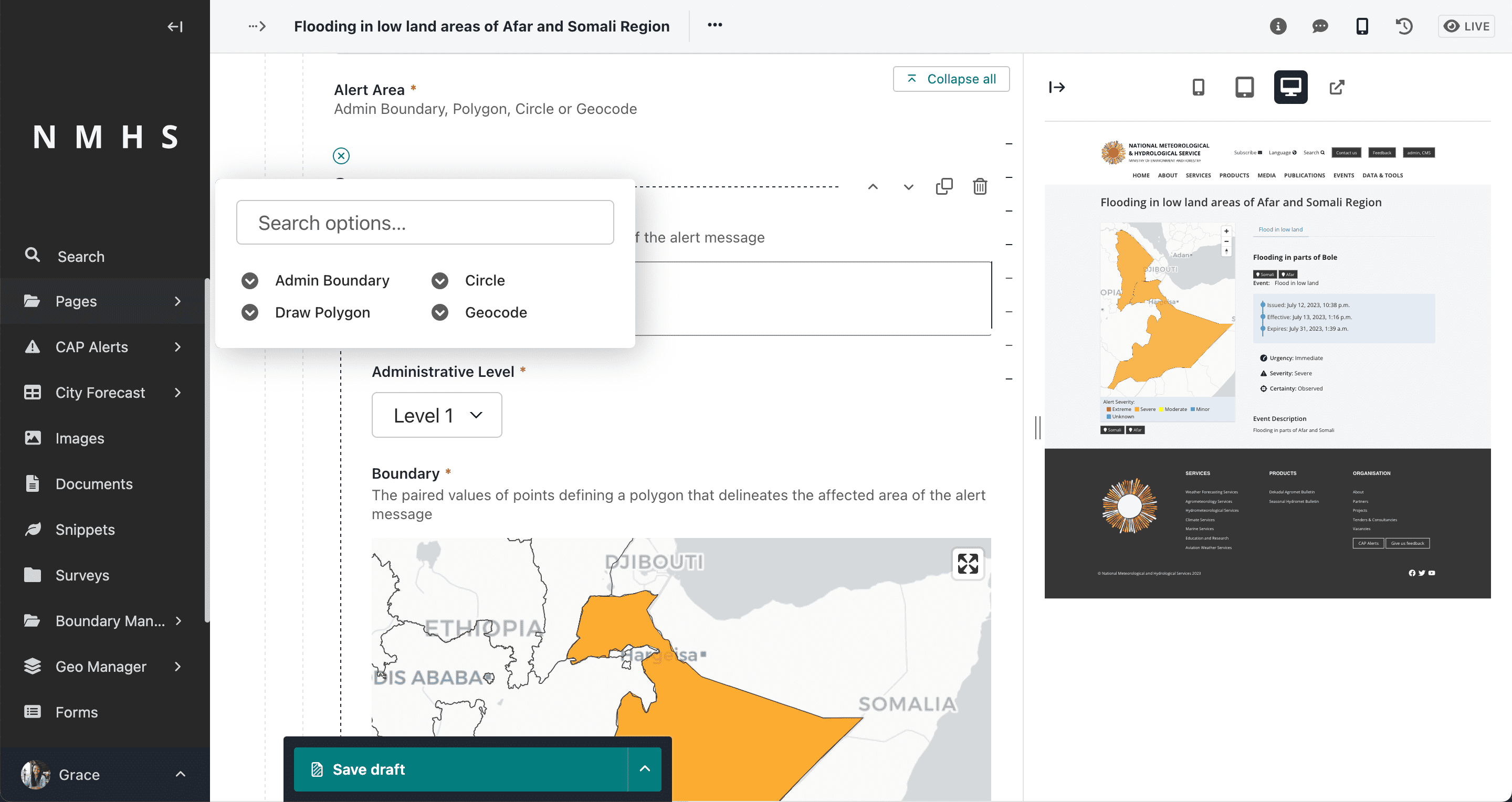
The Alert area input has 4 selector options:
Admin Boundary (area is picked from predefined boundaries). To use this option, ensure that admin boundaries are initially loaded. Refer to Setting up boundaries section.
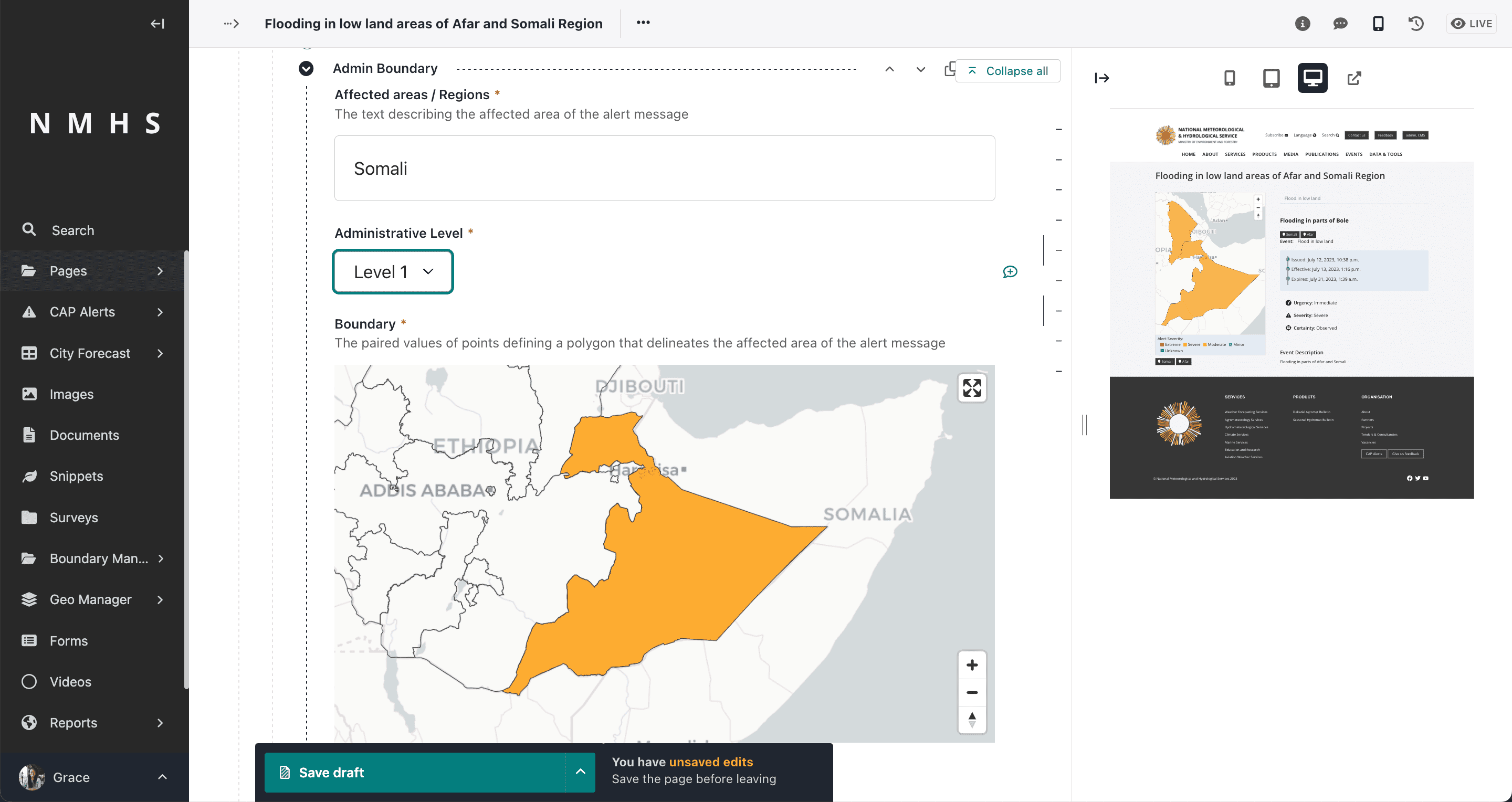
Polygon (drawing a polygon). If you have not yet uploaded boundaries refer to Setting boundaries Section

Circle (drawing a circle which specifies the latitude, longitude and radius)

Geocode (specifying area geocode name and value). Using this option presumes knowleged of the coding system
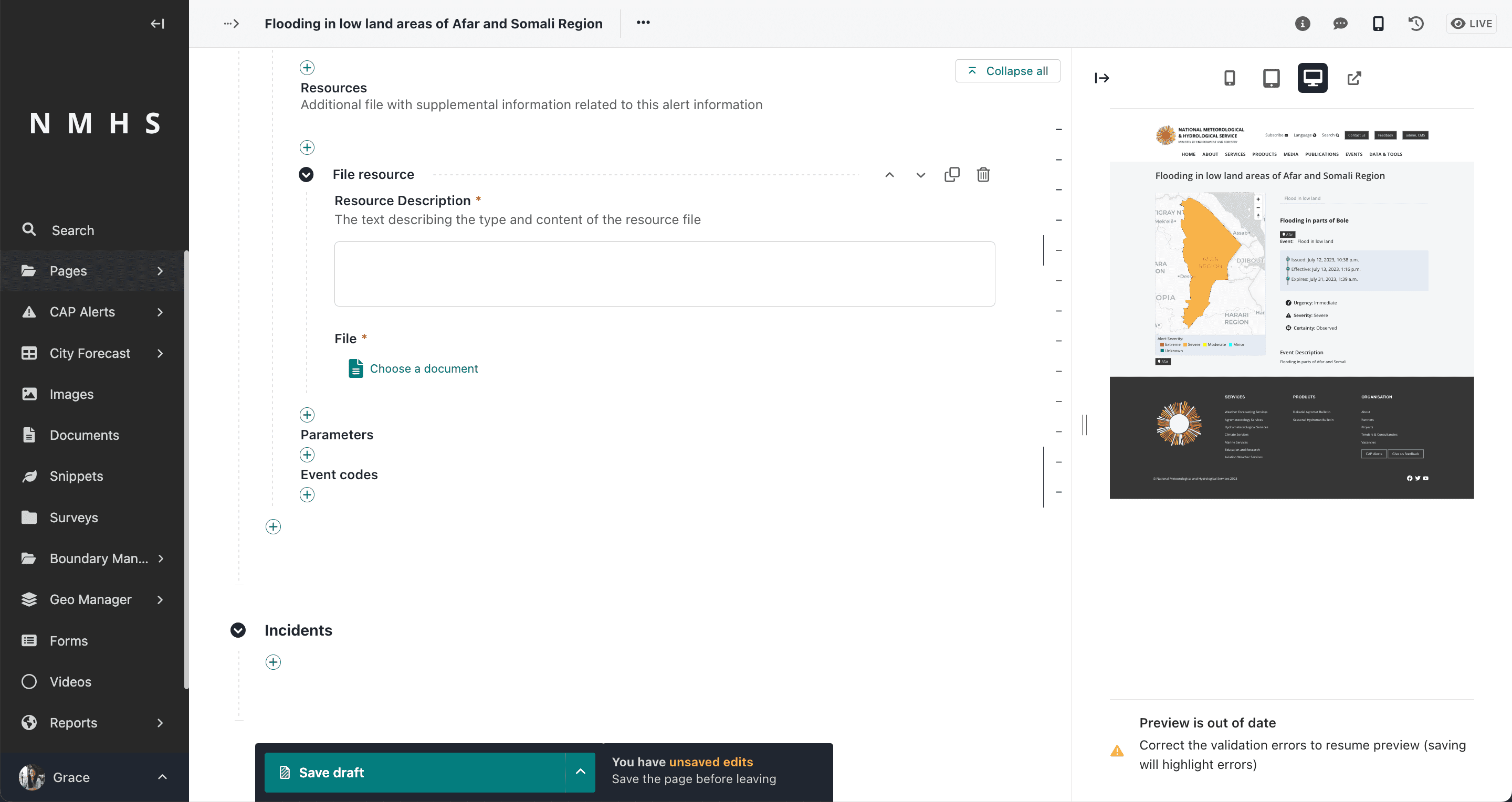
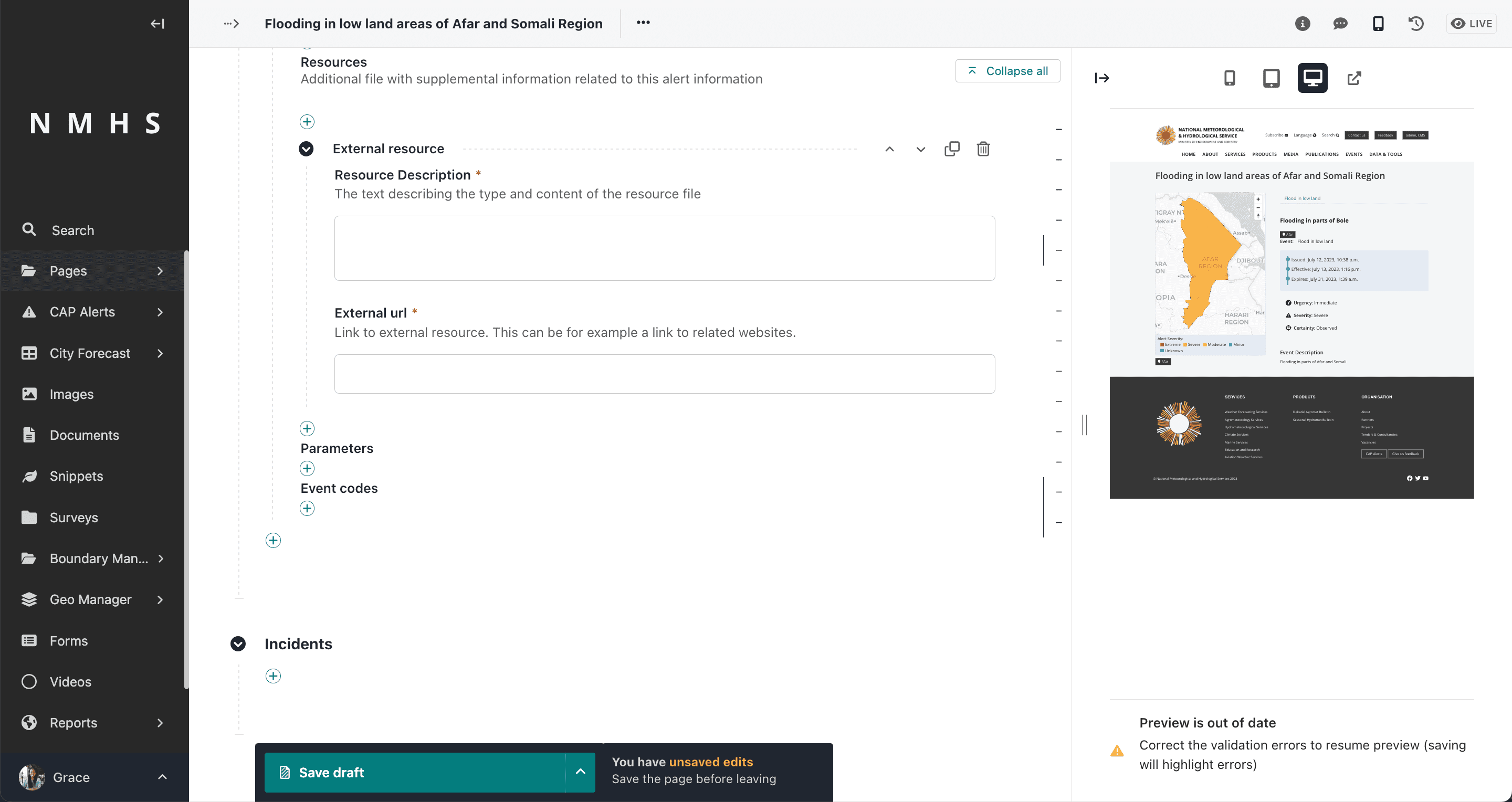
Alert Resource
Entity that defines supplemental information related to an
Description (resourceDesc), MIME Type (mimeType), File Size (size), URI (uri), Dereferenced URI (derefUri) and Digest (digest)**
The Alert resource input has 2 selector options:
File resource (takes in a file and description)
External resource
Additional CAP Inputs
Addition alert information elements include parameters and event codes
Incidents
This defines the reference incident to the current alert, if any.