 ClimWeb Documentation
Management Commands
Resetting login attempts and lockouts
Climweb uses Django Axes to manage login attempts and lockouts.
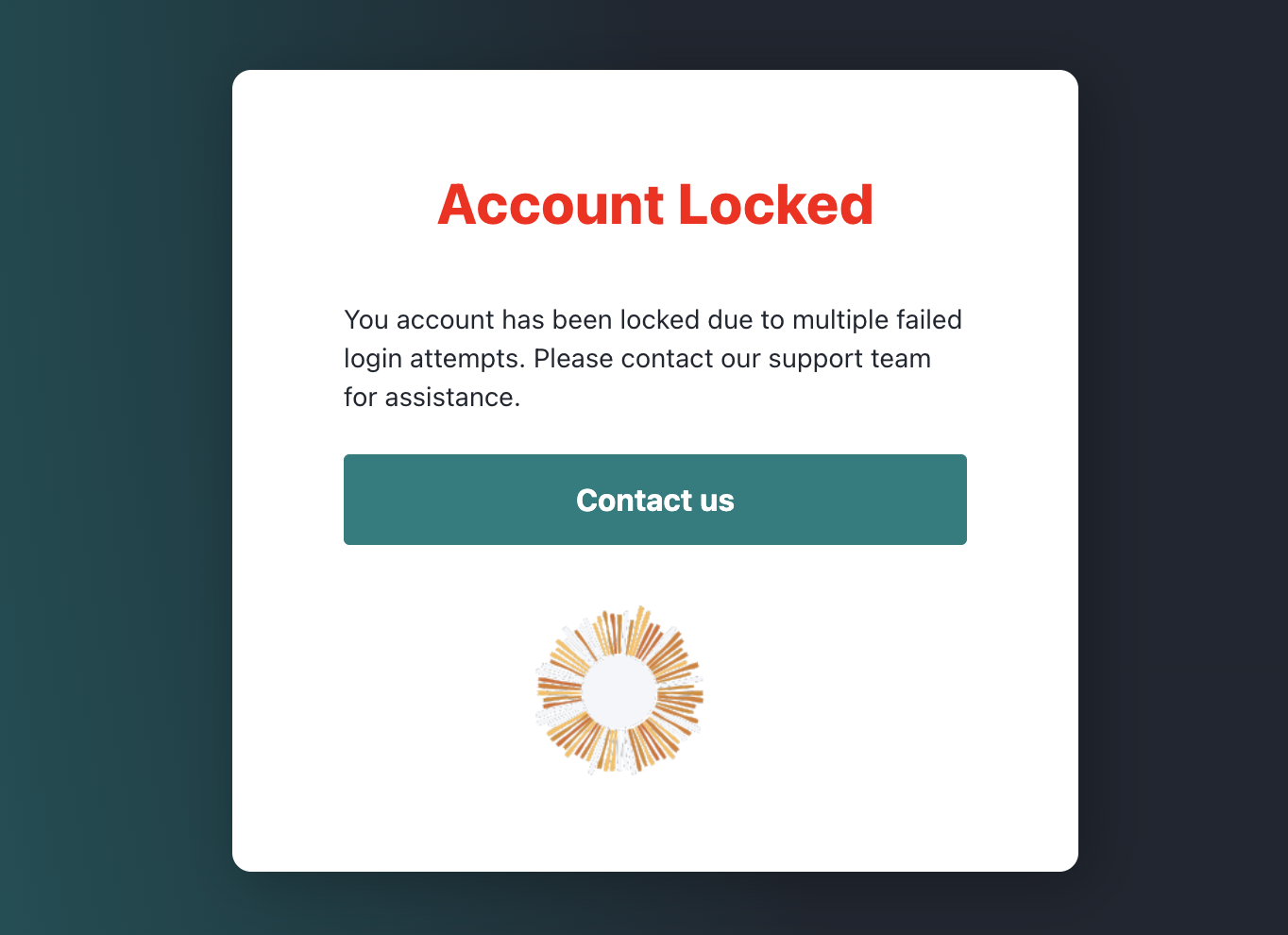
An account is locked when a user has failed to login too many times.
This means that the instructions on Django Axes’ documentation for resetting login attempts and lockouts are applicable to Climweb as well.
When Axes locks an IP address, it is not allowed to login again. You can allow IPs to attempt again by resetting ( deleting) the relevant AccessAttempt records in the admin UI, or Command Line Interface (CLI).
Resetting attempts from the Django admin UI
Records can be easily deleted by using the Django admin application.
Go to the django admin UI and check the Access Attempt view. Select the attempts you wish the allow again and simply remove them. The blocked user will be allowed to log in again in accordance to the rules.
On Climweb, the default URL path for the Django admin UI is /dj-ad-admin/. This can be changed in the settings file
using the variable DJANGO_ADMIN_URL_PATH.
Resetting attempts from the CLI
Django Axes offers a command line interface with axes_reset, axes_reset_ip, axes_reset_username, and
axes_reset_ip_username management commands with the Django manage.py or django-admin command helpers:
python manage.py axes_resetwill reset all lockouts and access records.python manage.py axes_reset_ip [ip ...]will clear lockouts and records for the given IP addresses.python manage.py axes_reset_username [username ...]will clear lockouts and records for the given usernames.python manage.py axes_reset_ip_username [ip] [username]will clear lockouts and records for the given IP address and username.python manage.py axes_reset_logs(age) will reset (i.e. delete) AccessLog records that are older than the given age where the default is 30 days.
Resetting attempts from the CLI in a Climweb Docker Compose environment
On a production Climweb instance, to clear all lockouts and access records, run the following command:
cd climweb

docker compose exec climweb /bin/bash climweb axes_reset
This is a shorthand command that does the following:
cd climwebchanges the working directory to the Climweb project directory.docker compose exec climweb /bin/bashruns a bash shell in theclimwebcontainer.climweb axes_resetruns theaxes_resetcommand in the Climweb container.